UNDETECTED
Pussycat [Wardogs]
OUT OF STOCK
This product is completely out of stock across all regions. Please check back later or contact support.
Instant Delivery to Email & Site
Features:
- Web Browser Interface – allows you to use the radar through a browser on a PC, phone, or second monitor
- Open Radar – opens the radar at the press of a button
- Map Selection – manual map selection or automatic detection
- Map Controls – allows you to zoom in and out of the map
- Map Coordinates – displays the coordinates of selected points on the map
- Marker Details – shows additional information about markers when hovering over or clicking on them
- Smooth Movement – provides smooth map movement
Players:
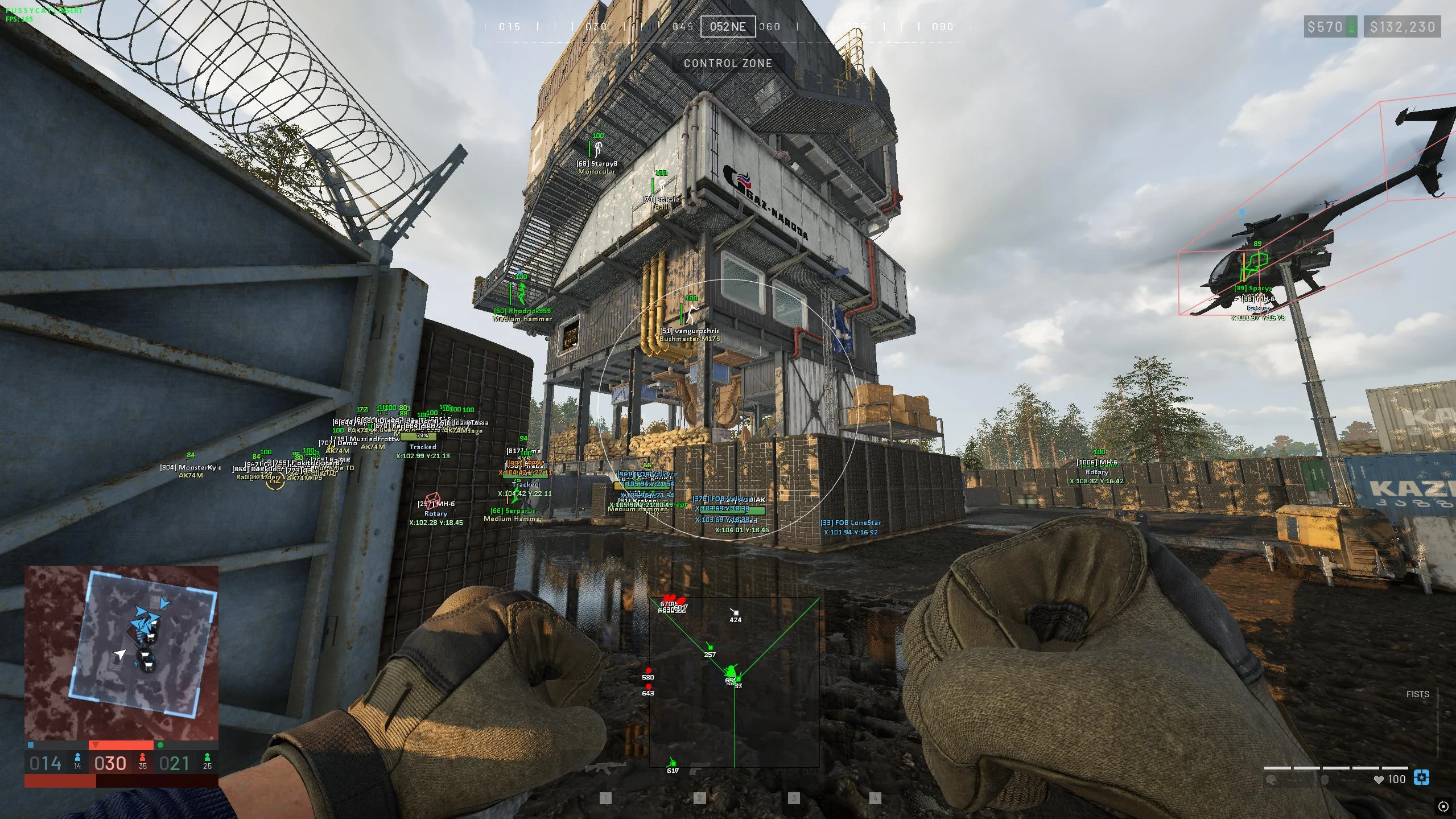
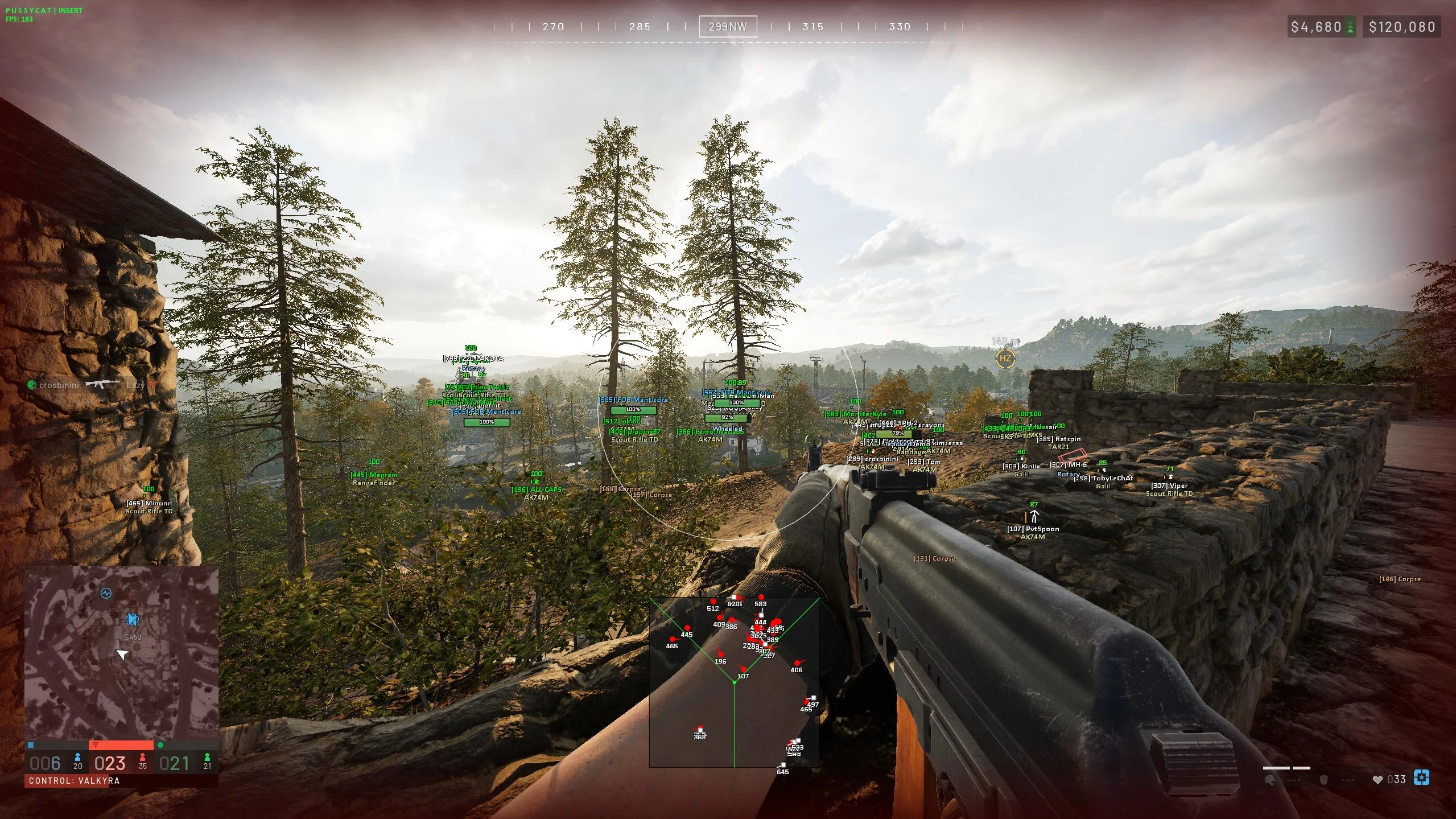
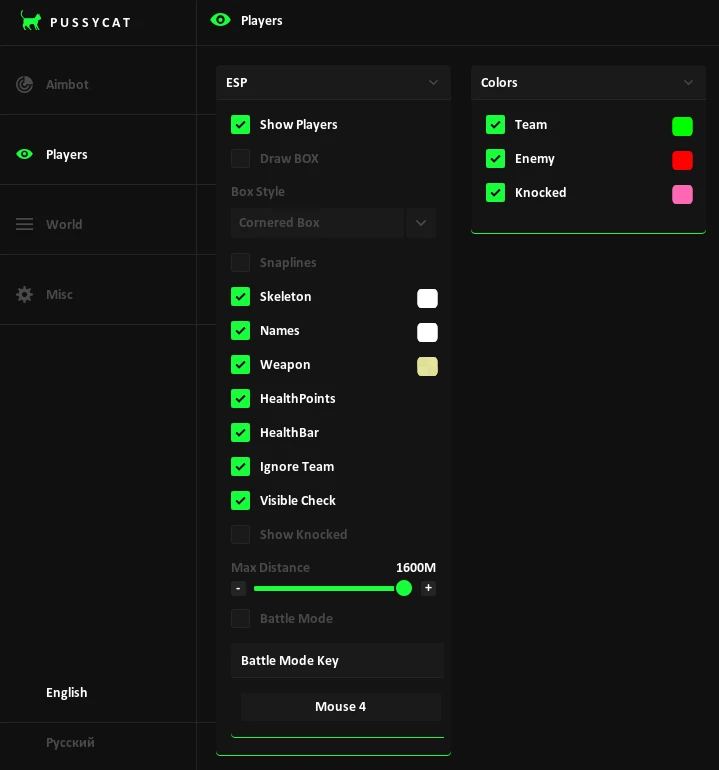
- Show Players – enables or disables the display of players on the map
- Player Visuals – allows displaying nicknames, weapon in hand, and health as a number and a bar
- Ignore Team – hides teammates from the radar
- Show Knocked – allows displaying downed players
- View Direction & Cone – shows the player's view direction and field of view cone
- Player Identification – distinguishes the local player, teams, and squads
- Player Details – displays the name, weapon, health, view direction, and coordinates of the selected player
- Player List – shows a list of players with team filters
- Team Filters – allows you to quickly select teams to display
- Player Sorting – sorts the player list by team, name, or status
Objects:
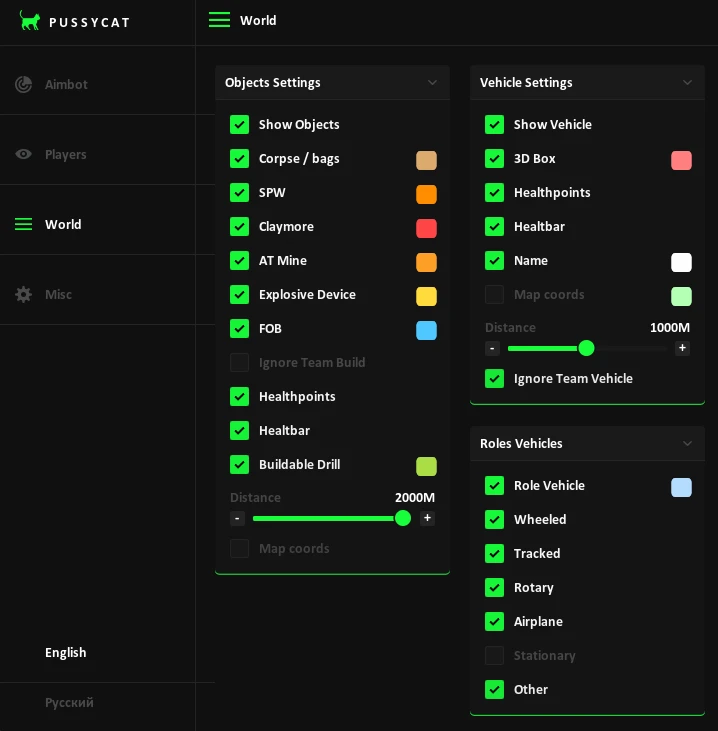
- Show Objects – enables the display of objects on the map
- Corpse / Bags – shows dead player bodies and bags
- SPW – displays self-propelled artillery
- Mines & Explosives – marks mines and explosive devices
- FOB – displays forward operating bases
- Buildable Drill – shows deployable drilling rigs
- Building Settings – allows you to configure the display of structures and ignore friendly structures
- Object Health – displays object health as a number and a bar
- Object List – shows a list of available objects
- Object Details – displays the name and coordinates of the selected object
Vehicle:
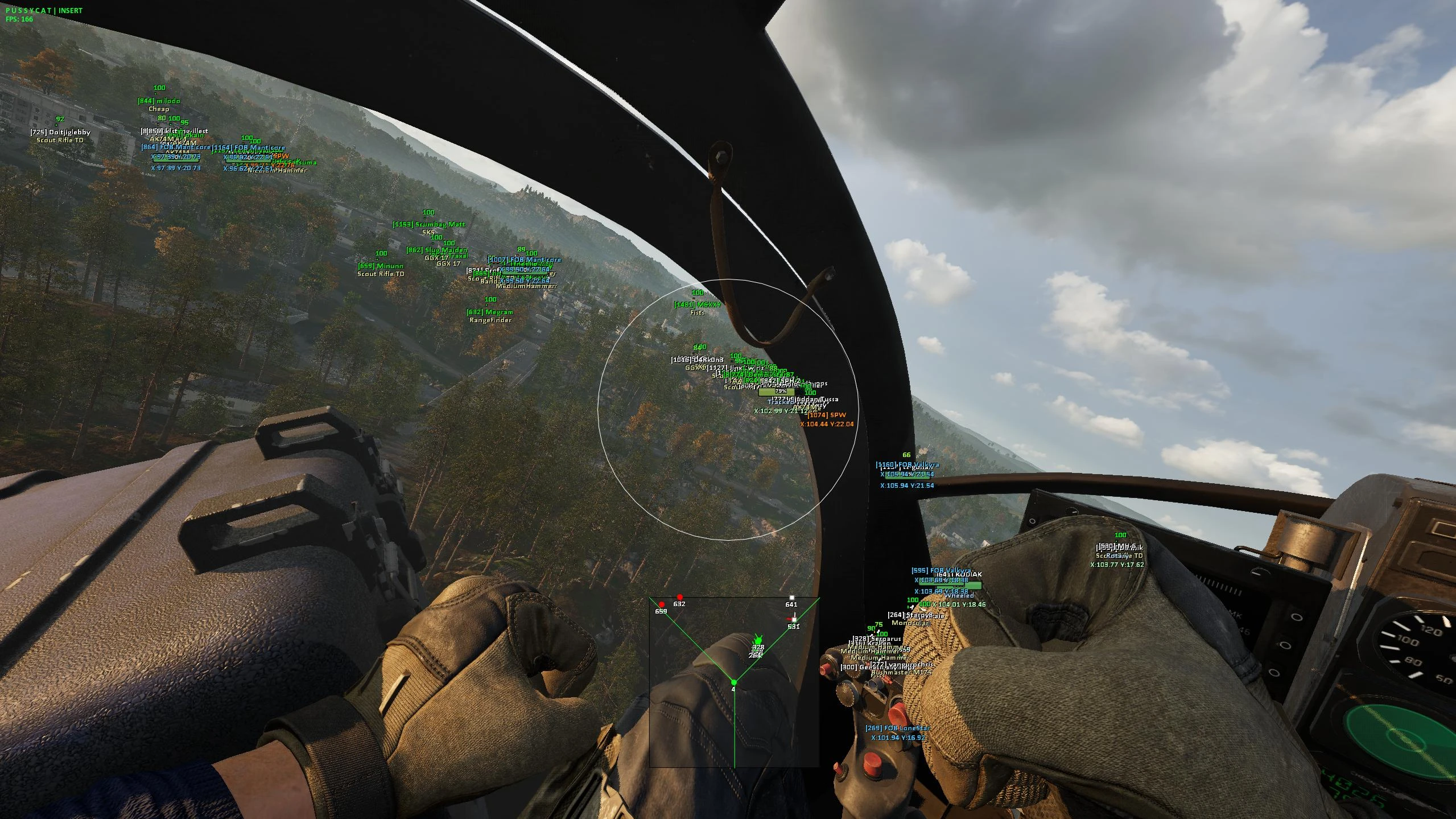
- Show Vehicle – enables or disables vehicle display
- Model Names & Icons – shows vehicle model names and icons
- Vehicle Roles – allows filtering vehicles by class
- Vehicle Details – displays the vehicle's name, type, health, movement direction, and coordinates
Pussycat Wardogs Settings:
- Map Display – allows you to configure the display of object names, view direction, and field of view cone on the map
- Black Text Background – enables a black background under text labels
- Marker Appearance – adjusts icon and text size, as well as label compactness when zooming out the map
- Reveal Details on Hover / Tap – shows detailed information about markers when hovering or tapping
- Performance – allows you to choose the interface refresh rate (30, 60, 120 FPS, or Auto)
- Reduced Effects – reduces the number of visual effects to improve performance
- Network Adapter Selection – allows you to select a network adapter for connection
- QR Code – provides a QR code for quick connection from another device
- Connection Link – displays a link to connect to the radar
- Connection Instructions – shows connection instructions
- Language – allows switching the interface language between English and Russian
- Auto Save Settings – automatically saves radar settings
- Auto Load Settings – automatically loads saved settings on startup
- Supported game version: Steam
- Supported game mode: Borderles, windowed
- Supported Windows: 10&11 x64, versions (2004 / 20H2 / 21H1 / 21H2 / 22H2 / 23H2 / 24H2 / 25H2 / 26H2) you can check your build by following the instructions HERE.
- Supported anti-cheat: In-game anti-cheat
- Supported processors: Intel and AMD
- Spoofer Included: No
YOU MIGHT ALSO LIKE
REVIEWS
Reviews for Pussycat [Wardogs]
Reviews are moderated before publication
No reviews yet. Be the first!