![Unnamed [Valorant]](https://buyhack.pro/storage/products/IRyahcHANQMHLr5fmHXkNqfw8r0e2hPECKIO7z0P.png)
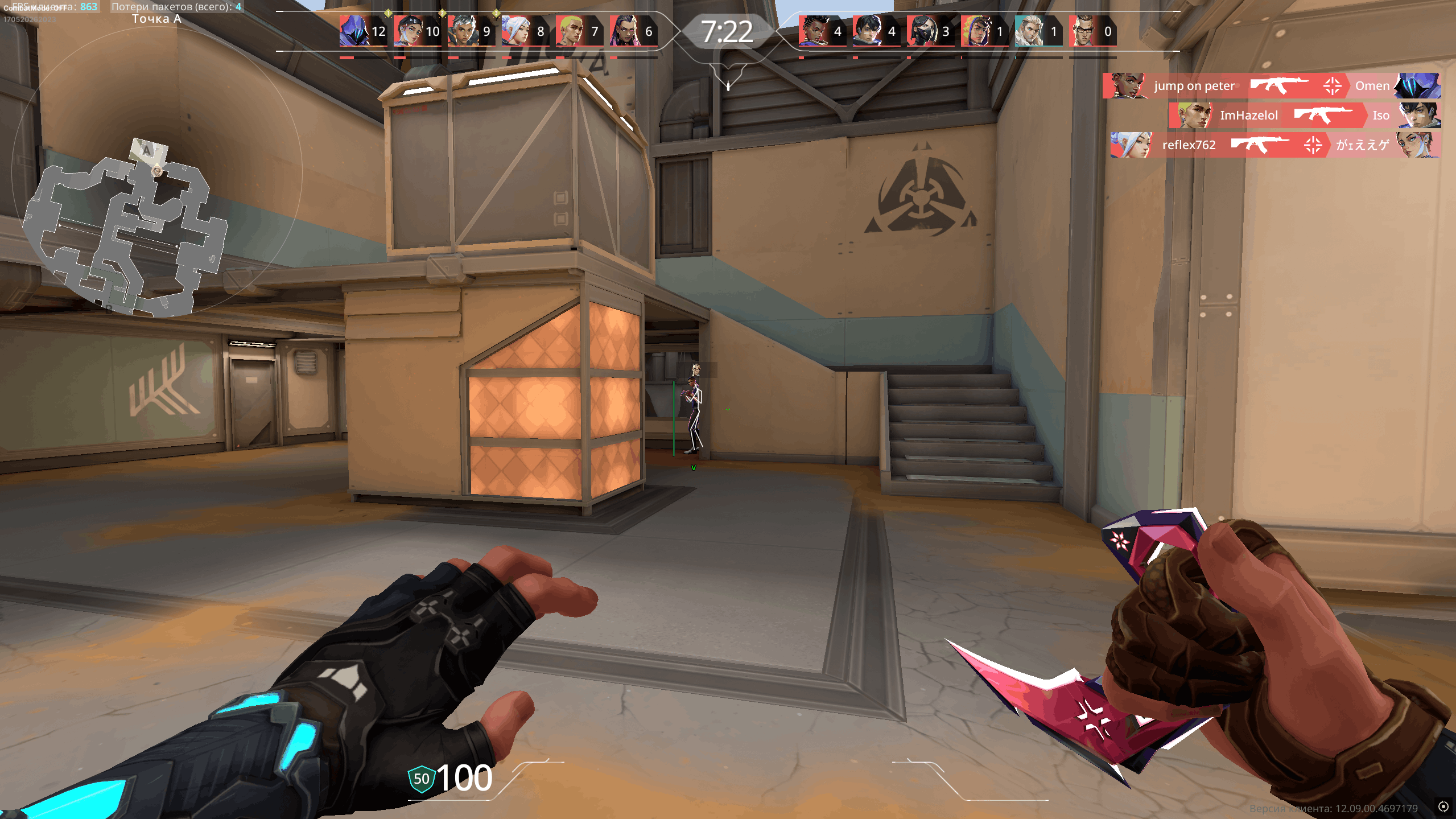
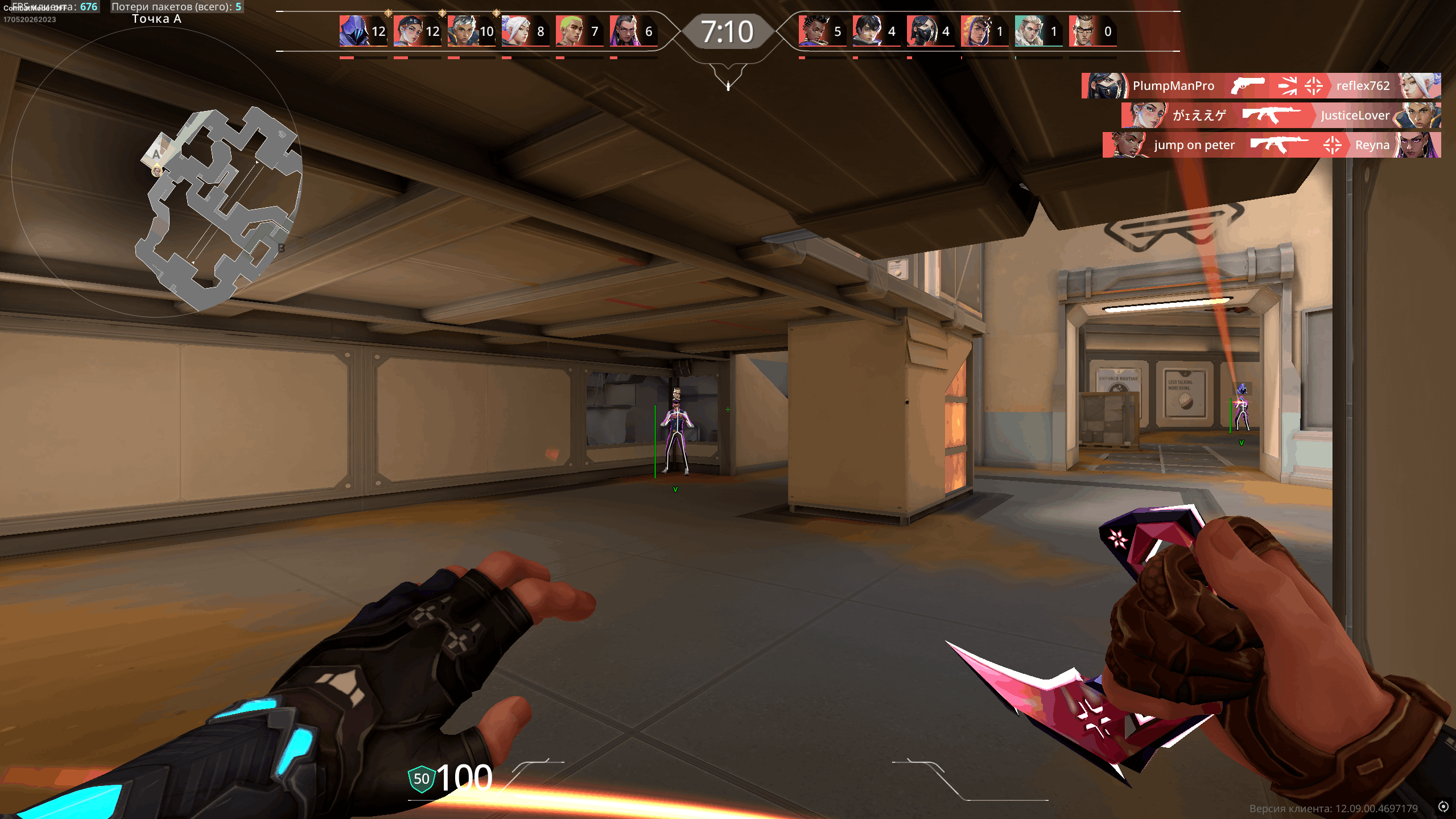
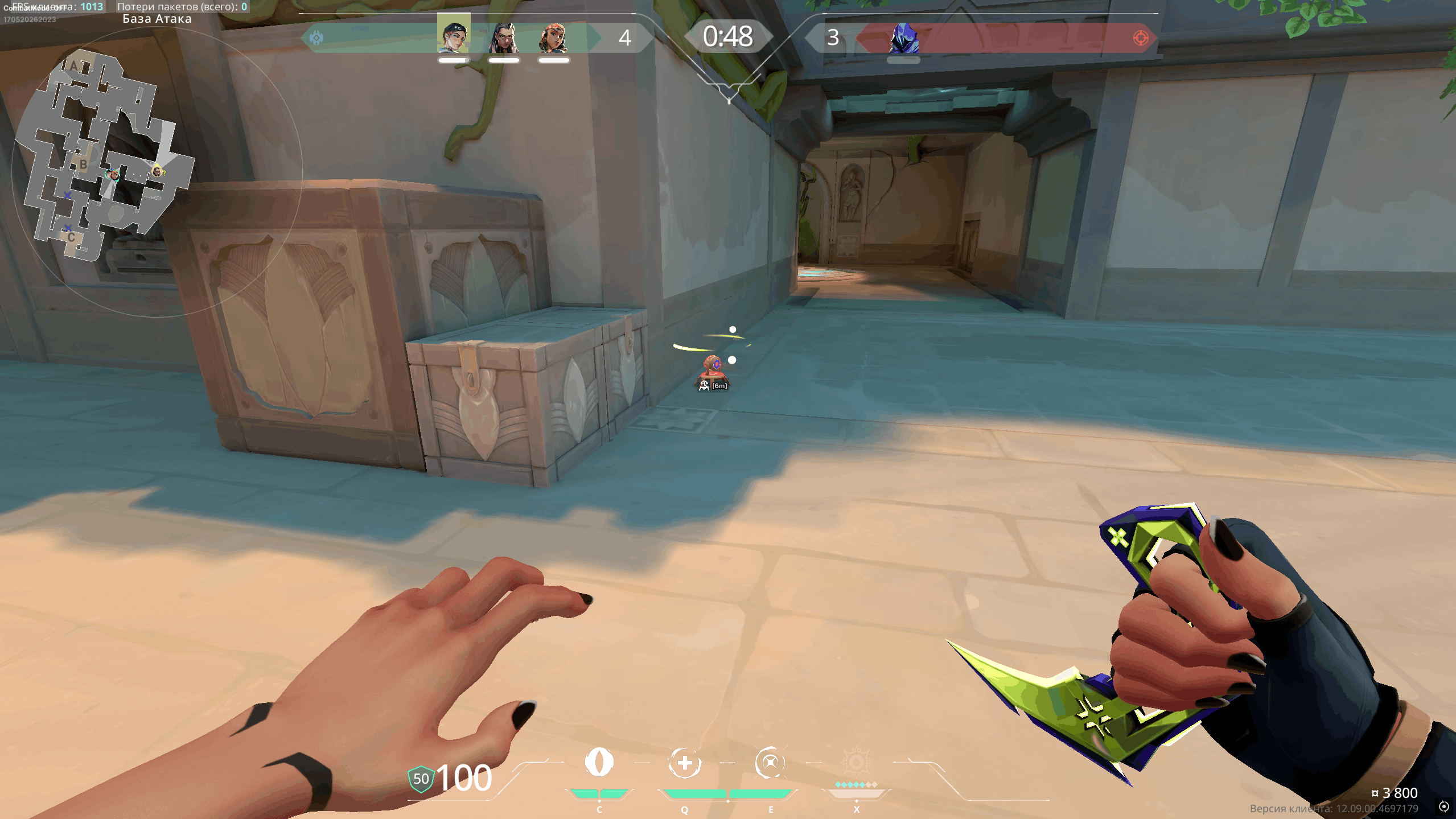
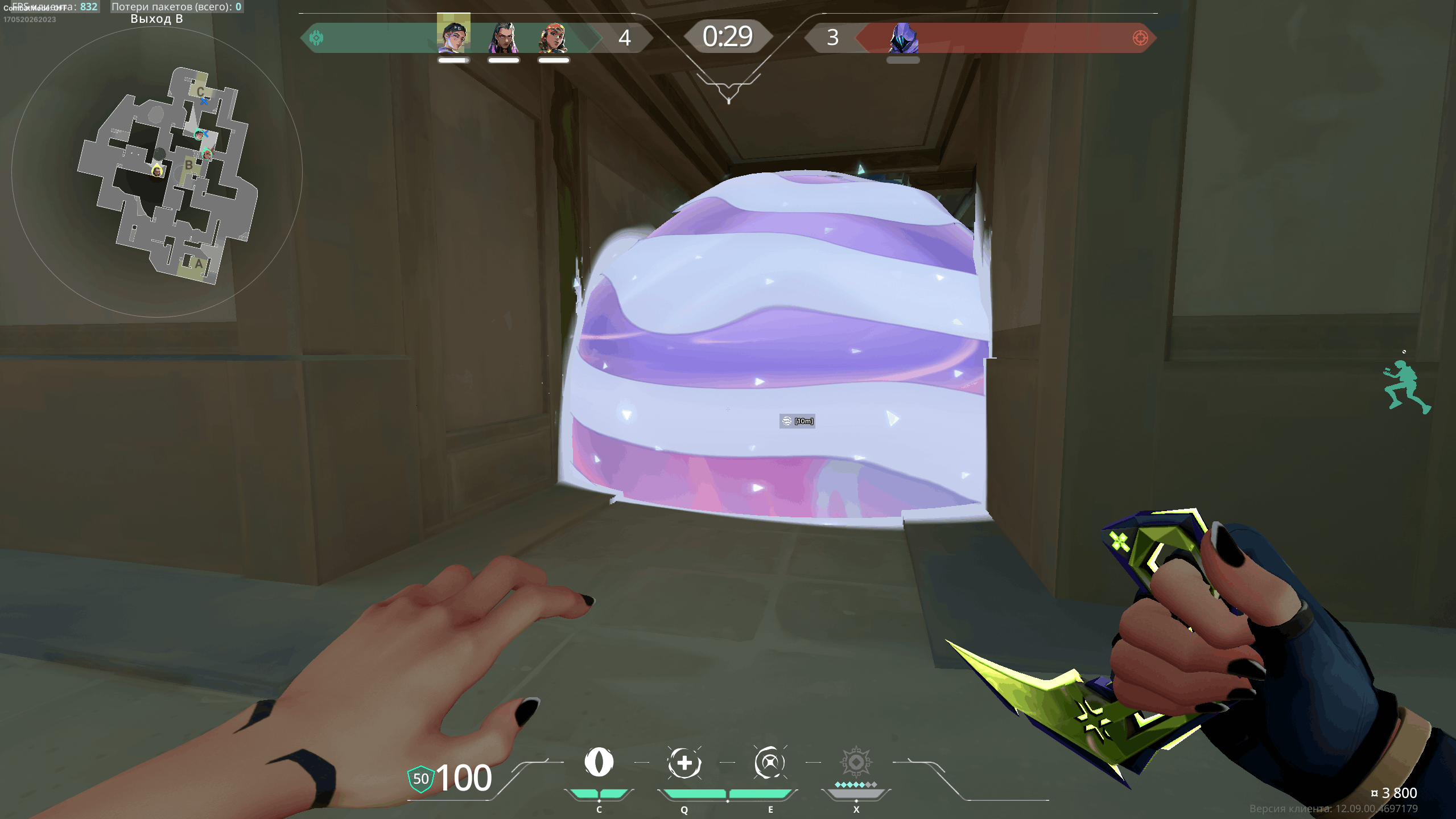
Unnamed [Valorant]
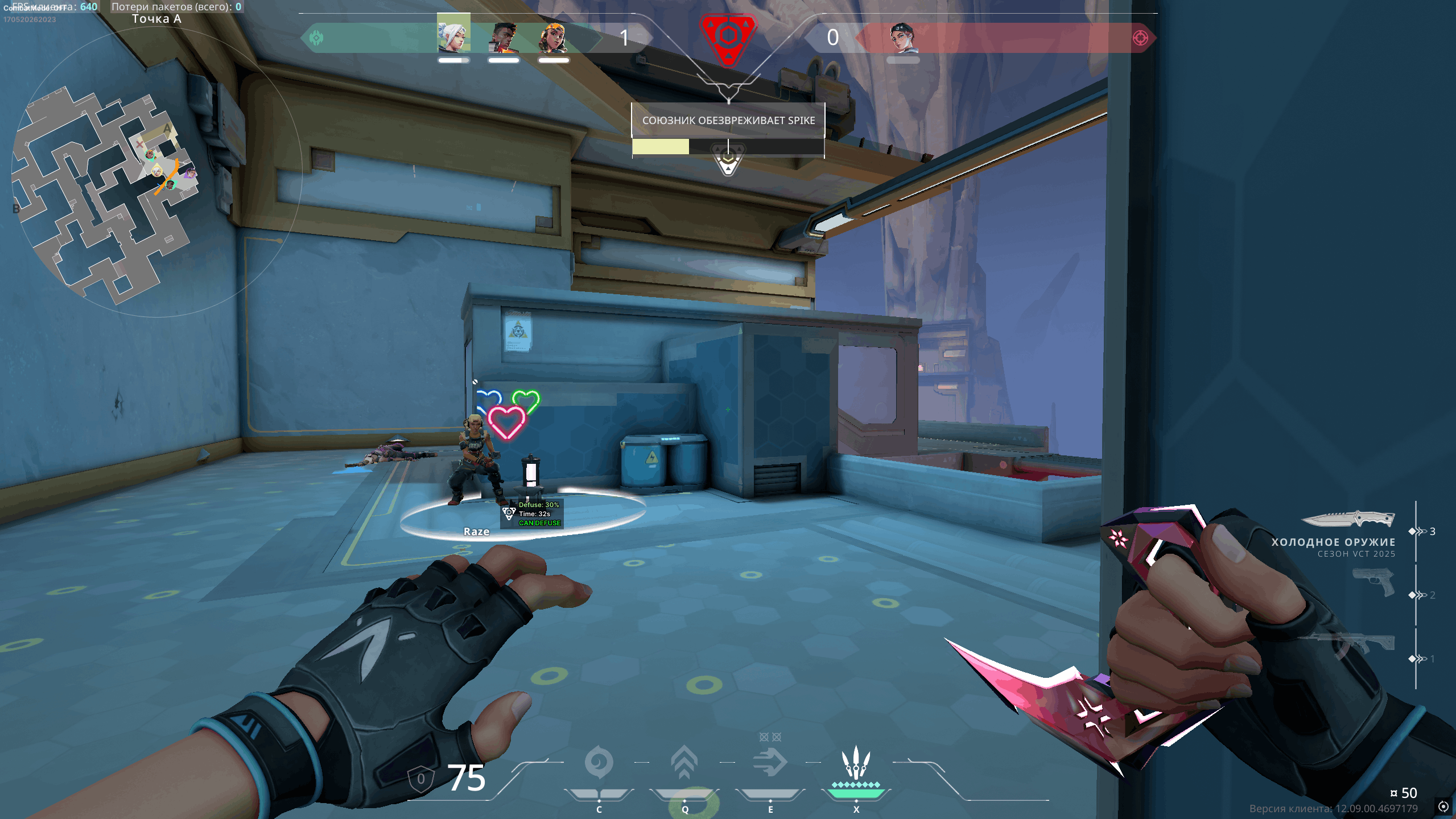
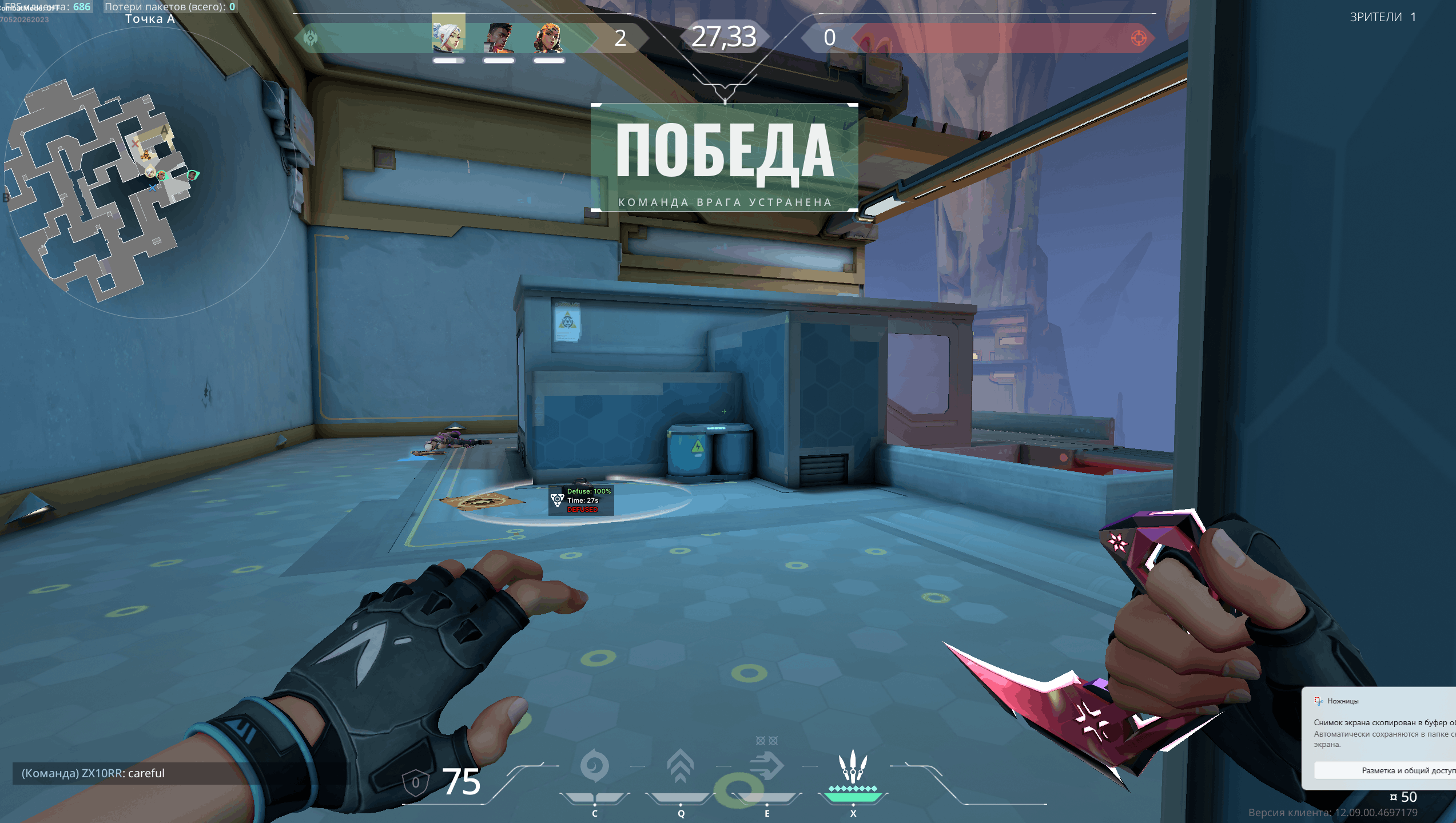
The Valorant Unnamed section focuses on external gameplay tools and visual assistants designed to enhance clarity, awareness, and interface customization. It offers advanced player visualization, view-direction indicators, health and equipment information, as well as detailed displays for key world objects and abilities.
These tools include configurable overlays with distance indicators, spike status visualization, real-time ability and trap markers, and a flexible profile system for saving and loading custom configurations. Players can fine-tune font sizes, enable a clean “combat mode,” and adapt the interface to their preferred playstyle.
The core goal is improved readability, personalization, and situational awareness, helping players better understand fast-paced encounters while maintaining a clean and organized screen.
- Aimbot Enable
- Visible Check
- FOV
- Smoothness
- Speed
- Max Distance
- Aimbot Filter
- Aimbot Bone
- Aim Mode
- Draw FOV
- Draw Target Line
- Agent
- Rank
- Health Bar
- Shield Bar
- Visible Check
- Max Distance
- View Direction
- Box ESP
- Head Circle
- Skeleton
- Equip Name
- Level
- Distance
- OOF Arrows
- Spike Icon
- Can Defuse
- Max Distance
- Defuse Progress
- Time Remaining To Explode
- Distance
- Show Icons
- Show Distance
- Max Distance
- Character-based Filters
- Individual Ability Customization
- Abilities & Traps ESP for all Agents
- Combat Mode with customization
- Crosshair
- Font Size
- Config System
- Stream Proof
- Supported game version: Riot Games
- Supported game mode: Borderles, windowed
- Supported Windows: 10&11 x64, versions (2004 / 20H2 / 21H1 / 21H2 / 22H2 / 23H2 / 24H2 / 25H2) you can check your build by following the instructions HERE.
- Supported anti-cheat: In-game anti-cheat
- Supported processors: Intel and AMD
- Support invisibility on video or screenshots: Yes
- ➤ HVCI (Core Isolation) / Secure Boot / TPM 2.0 should be enabled